Graphic design has always been about the visual. It is about color, typography, and layout. It is about making things look beautiful. But user experience design asks a different question. It asks how people feel when they use something. It asks if the interface helps them achieve their goals. This shift requires more than just learning new tools. It requires a fundamental change in thinking.
Many creatives find themselves at this crossroads. You have spent years refining your eye for detail. You understand hierarchy and balance. Now, you want to ensure that your work actually works. You want to solve problems, not just decorate them. This journey involves moving from making things look good to making things work well.
This guide explores the path from visual design to experience design. It covers the mindset shifts, the skills you need, and how to present your work. We will look at the process, the research, and the testing. We will also discuss the portfolio changes required to show your new capabilities.
🧠 Understanding the Core Shift: Aesthetics vs Usability
The transition begins in the mind. Graphic design often starts with a brief that includes brand guidelines. The goal is to communicate a message through visuals. User experience design starts with a user problem. The goal is to facilitate a task through interaction.
Here are the key differences to keep in mind:
- Focus: Graphic design focuses on the artifact. UX design focuses on the journey.
- Success Metrics: Graphic design success is often subjective beauty. UX success is measurable efficiency.
- Collaboration: Designers often work with art directors. UX designers work with developers, researchers, and product managers.
- Iteration: Visuals are often final once approved. UX is rarely final; it evolves based on data.
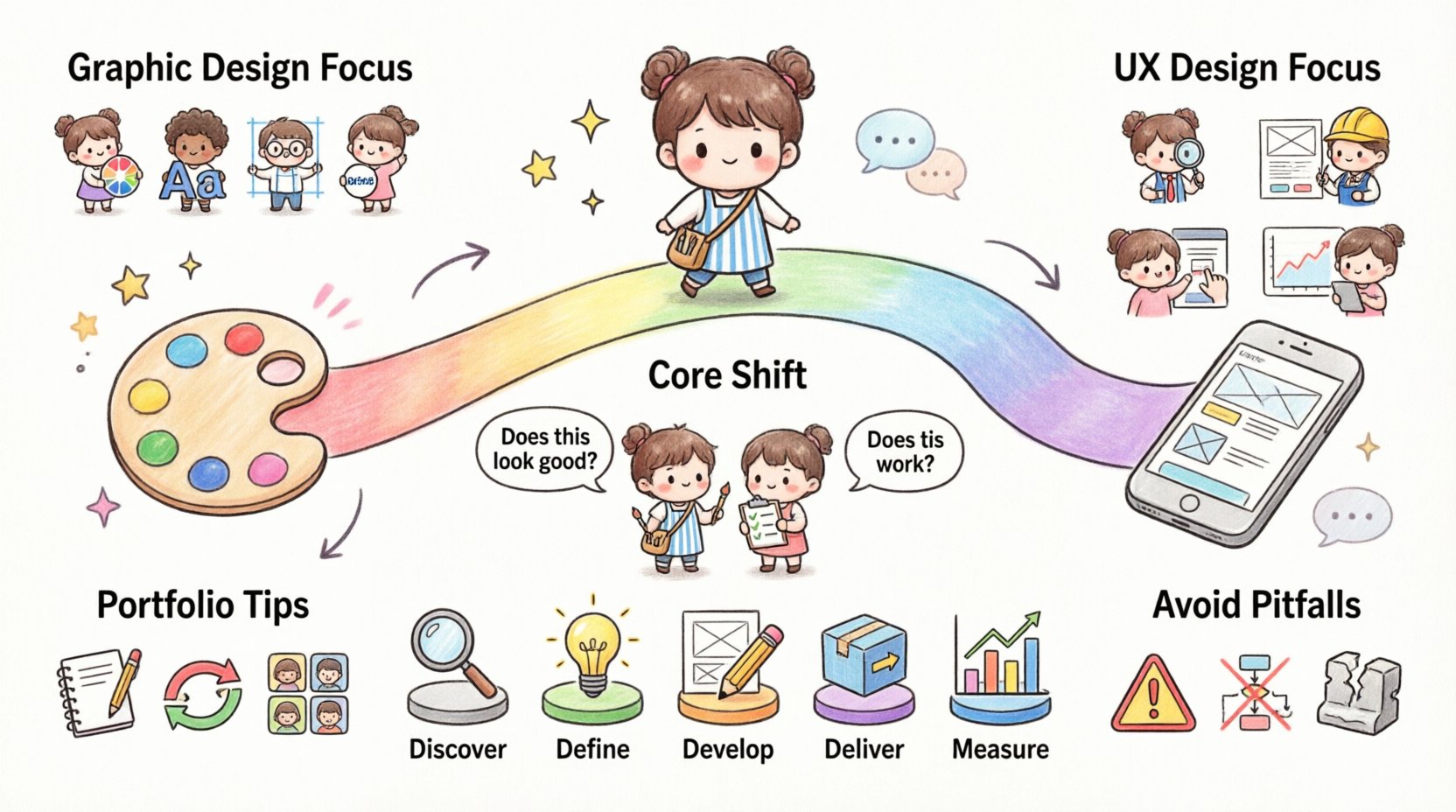
When you transition, you stop asking “Does this look good?” and start asking “Does this work?”. This does not mean visuals do not matter. They still matter. But they serve the function. A button must be clickable. A form must be understandable. A navigation must be intuitive.
📊 Skill Gap Analysis: What You Need to Learn
You already have a strong foundation. You understand layout, color theory, and typography. These are transferable skills. However, there are new areas you need to master. Below is a breakdown of the new skills required.
| Graphic Design Skill | UX Design Equivalent | New Skill Required |
|---|---|---|
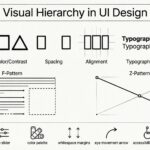
| Typography | Information Hierarchy | Readability and Accessibility |
| Brand Identity | Design Systems | Component Libraries |
| Layout Composition | Information Architecture | Sitemaps and User Flows |
| Visual Polish | Wireframing | Low-Fidelity Prototyping |
| Client Feedback | User Testing | Qualitative Research Methods |
Notice that the skills are related. You are not starting from zero. You are expanding your toolkit. You are adding the layer of logic to your layer of aesthetics.
🔍 Essential UX Skills to Develop
To succeed in this field, you need to build competence in specific areas. These are not just technical skills. They are cognitive skills. They involve how you process information about people.
1. User Research
Before you draw a single line, you need to know who you are designing for. Research provides the evidence for your decisions. You need to learn how to conduct interviews. You need to learn how to observe behavior. You need to learn how to synthesize data into insights.
- Interviews: One-on-one conversations to understand motivations.
- Surveys: Quantitative data to validate assumptions.
- Competitor Analysis: Understanding what others are doing in the market.
2. Information Architecture
This is the skeleton of the experience. It is how content is organized. If the structure is broken, the visuals cannot save it. You need to learn how to group content logically. You need to learn how to label navigation clearly.
- Card Sorting: A method to understand how users categorize information.
- Site Maps: Visual diagrams of the hierarchy.
- Navigation Design: Ensuring users know where they are and where to go.
3. Interaction Design
This is where your visual background shines. But it is about behavior, not just appearance. How does a menu open? What happens when a button is pressed? These micro-interactions build trust.
- States: Hover, active, disabled, loading.
- Feedback: Confirming actions to the user.
- Transitions: Smooth movement between screens.
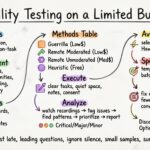
4. Usability Testing
You cannot know if your design works until you test it. You must learn to watch users interact with your work. You must learn to listen to their frustration. You must learn to iterate based on what you see.
- Moderated Testing: You guide the user through tasks.
- Unmoderated Testing: Users complete tasks on their own time.
- A/B Testing: Comparing two versions to see which performs better.
🔄 The Process: From Discovery to Validation
Graphic design projects often follow a linear path. Brief to concept to final file. UX projects are iterative. They loop back as new information is discovered. Understanding this workflow is crucial.
- Discover: Understand the problem space. Talk to stakeholders. Talk to users. Define the scope.
- Define: Synthesize the research. Create personas. Write problem statements.
- Develop: Sketch ideas. Build wireframes. Create prototypes.
- Deliver: Hand off to developers. Ensure implementation matches the design.
- Measure: Analyze performance data. Plan the next iteration.
This process is not rigid. It adapts to the project size and timeline. However, skipping steps often leads to failure. You cannot test a prototype you have not built. You cannot build a prototype you have not planned.
🖼️ Portfolio Strategy for Transitioners
Your portfolio is your proof. It shows your thinking, not just your visuals. Recruiters want to see how you solve problems. They want to see the “why” behind the “what”.
1. Case Study Structure
Do not just show screenshots. Tell a story. Use the following structure for your case studies:
- Problem Statement: What was the issue you were solving?
- Role: What did you do? Did you lead the research?
- Process: Show your sketches, wireframes, and iterations.
- Research: Summarize your findings. Show quotes from users.
- Solution: Show the final high-fidelity design.
- Outcome: What happened after launch? Did metrics improve?
2. Visuals vs Process
In graphic design, the final image is the product. In UX, the process is the product. You must document your journey. Show the bad ideas you discarded. Show the user feedback that changed your direction.
- Show Wireframes: Black and white boxes are okay. They show thinking.
- Show Redlines: Explain your layout decisions.
- Show Data: Charts and graphs validate your choices.
3. Redesigns vs Original Work
You might start with redesigns of existing apps. This is fine for practice. But it is better to work on original problems. You can create a concept for a problem you identified. You can solve a problem for a local non-profit. Real constraints make the work stronger.
🤝 Common Pitfalls to Avoid
As you move into this field, there are habits you need to break. Your training as a graphic designer will fight you sometimes. Here is what to watch out for.
1. Falling in Love with the Solution
It is easy to get attached to a specific visual style. You might want to use a certain color palette or animation. You must be willing to kill your darlings. If data says the user prefers a different layout, you must listen.
2. Ignoring Accessibility
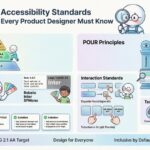
Beautiful designs that no one can use are bad designs. You must learn about color contrast. You must learn about screen readers. You must learn about keyboard navigation. Accessibility is not an add-on. It is a requirement.
3. Overcomplicating the Interface
Graphic designers often like to add detail. They like to add texture and depth. In UX, simplicity is power. Every element must earn its place. If it does not help the user, remove it.
4. Skipping the Research
It is tempting to skip research to save time. It is tempting to assume you know what the user wants. You do not. You must validate your assumptions. Guessing leads to products that fail.
🚀 Career Paths and Opportunities
Once you have built the skills and the portfolio, you can look for work. The job titles can be confusing. You might see UX Designer, Product Designer, or Interaction Designer.
Job Titles Explained
- UX Designer: Focuses on the overall experience and research.
- UI Designer: Focuses on the visual interface and styling.
- Product Designer: A hybrid role covering strategy, UX, and UI.
- Interaction Designer: Focuses on the behavior and motion of elements.
Industries Hiring
Almost every industry needs UX. Tech companies are obvious. But healthcare, finance, and education are growing fast. They need digital solutions that are clear and safe.
- Startups: Fast pace, high impact, wearing many hats.
- Agencies: Varied projects, client-facing work.
- In-house: Deep dive into one product, long-term ownership.
🧭 Continuous Learning and Growth
This field changes fast. New methods emerge. New tools appear. You must commit to lifelong learning. You cannot rely on what you learned five years ago.
Where to Learn
- Books: Read foundational texts on psychology and design.
- Courses: Online platforms offer structured learning paths.
- Communities: Join forums and local meetups to network.
- Podcasts: Listen to industry leaders discuss trends.
Staying Current
Follow industry blogs. Read case studies from top companies. Attend conferences when possible. Keep a notebook of ideas. Sketch every day. Keep your hand in the process.
🌟 Final Thoughts on the Journey
Transitioning from graphic design to user experience design is a significant step. It is a shift from art to science. It is a shift from intuition to evidence. But it is also a shift from making things pretty to making things useful.
Your background is an asset. You understand how to communicate visually. You understand how to create emotion through design. You just need to direct that emotion toward a functional goal. With the right mindset and the right skills, you can build experiences that truly matter.
Start small. Pick a problem. Research it. Solve it. Repeat. The path is open. You have the skills. You have the creativity. Now you have the purpose.